

How Should You Maintain Your Outdoor Digital Display?
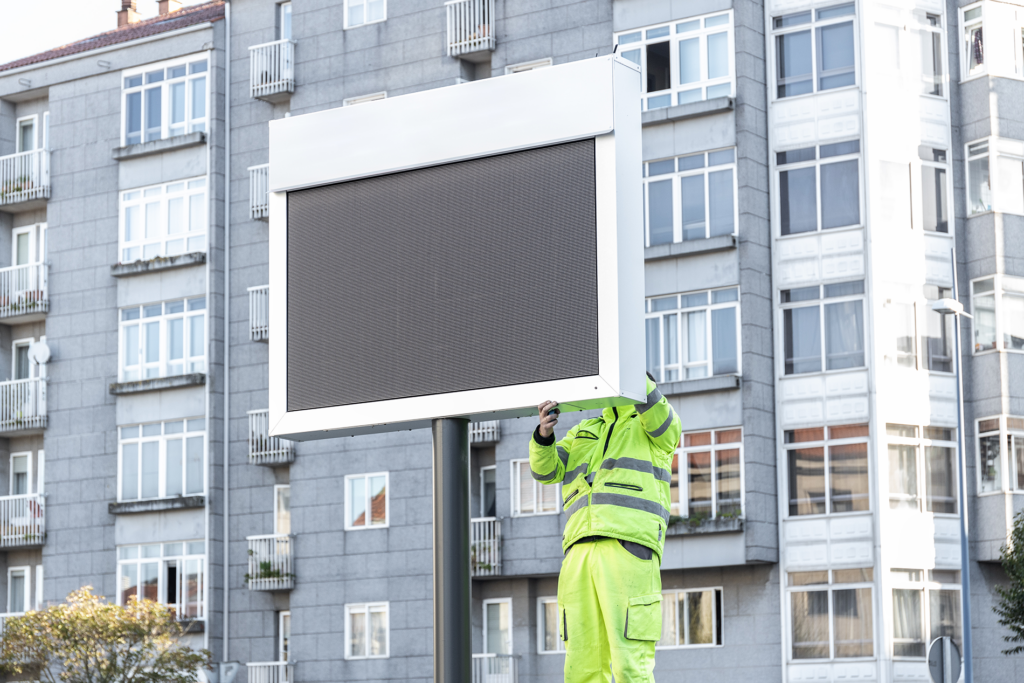
Outdoor digital signage is exposed to the elements—sun, wind, rain, snow, etc.—so proper maintenance and cleaning is crucial to maintain the performance of the display.
Below are some best practices to keep your Optec Display running in top condition.
Always turn off the power to the display before beginning any maintenance!
General Maintenance
Verify that screws or bolts have not come loose on vital components such as power supplies, display tiles and driver boards after 1,500-1,800 hours of operation.
To ensure that the display does not allow in any water, inspect the weather stripping around the door (front panels, rear panels, tiles) for any cracks and tears that may result of environmental changes (hot to cold, cold to hot). If cracks or tears are found, apply silicon to the affected area to prevent any water intrusion.
Exterior Cabinet
Only wash the outer cabinet with water. Do not use any caustic or abrasive cleaners. These include sponges with a light or harsh abrasive. Using these types of cleaners could slowly remove the UV powdered paint on the cabinet over time.
If paint touch-ups are necessary, use a black, satin exterior paint.
Display Face
The display face can be cleaned using a wet or dry process, as explained below.
Wet Cleaning Process
- Turn off the power to the display.
- Mix a mild, non-abrasive, non-petroleum-based detergent and cold water using a ratio of one ounce of detergent to one gallon of cold water.
- Saturate a light/medium-duty cleaning brush with soapy water.
- Use horizontal brush strokes to loosen and remove dirt and grime, washing the display from top to bottom. Use light pressure so as not to damage the LEDs.
- Rinse the display face with generous amounts of cold water under low pressure. A spot-free rinse agent can be used to reduce water spots.
- Use a soft, dry terry cloth to dry and remove any excess water. Take care not to damage LEDs by catching the cloth on them.
- Allow the display to completely dry for 12 hours before applying power to the display.
Dry Cleaning Process
- Turn off power to the display.
- Rub a dry, soft, terry cloth towel horizontally across each row of LEDs.
- Make four passes per row of LEDs before moving to the next row of LEDs.
- Take care not to damage LEDs or the plastic louvers by catching the cloth on them.
Internal Hardware
The internal hardware of the display is recommended to be cleaned with compressed air after any dust storm, after any construction near the display, and at the end of the winter and summer seasons.
The process is as follows:
- Always turn the AC power to the display off before you begin.
- Use a thin screw driver or queued tip and insert between the power supply fan blades to stop the fan from spinning.
- Use a can of compressed air to blow out any residual/build up dust.
- At times, it may be necessary to vacuum the inside of the display to remove any dirt/dust that may interfere with air flow.
Additionally, the ventilation system should be checked after 1500-1800 hours of operation. To do so, remove the screen from the vents and clean out any dust that builds up on the display venting system.
In need of a new digital display? Contact Optec Displays today for a quote at 800-876-1668.